
WhatsApp / Telegram Lead Capture
Voice, card photos, and PDFs in — structured contacts out. Google Sheet rows for name, company, phone, email, web, address.
Problem
Cards and voice intros never reach CRM. Snapvy covers the app path; this covers the chat path the team already lives in.
What we built
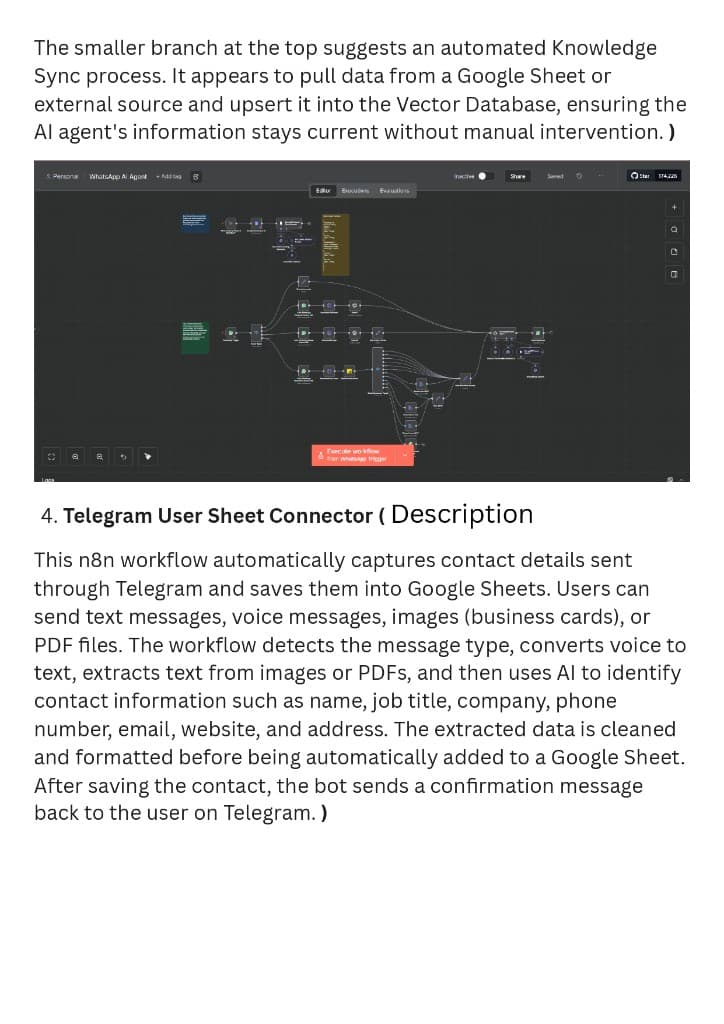
n8n WhatsApp/Telegram trigger → multimodal extract → Google Sheet. Optional vector upsert so the WhatsApp agent can recall the new contact.
How it runs in real time
On a shop floor, shoot the visiting card into the Ennem WhatsApp/Telegram bot. In under a minute the sheet has the person and the sender gets “details added.” Voice notes work the same way after Whisper. No one types columns on a laptop between meetings.
Pipeline
01
Capture
Message hits WhatsApp or Telegram. Type detect: text, audio, image, PDF.
02
Transcribe
Whisper, Vision, or PDF extract collapse the input to text.
03
Parse + clean
LLM extracts contact fields. JS node sanitises formatting before the sheet write.
04
Log + confirm
Append Google Sheet row. Reply on chat. Optional upsert into the knowledge vector store.
In the canvas
- ▸ WhatsApp + Telegram triggers
- ▸ Whisper for voice notes
- ▸ GPT-4o Vision OCR on cards
- ▸ PDF extract path
- ▸ Google Sheets as the ops database
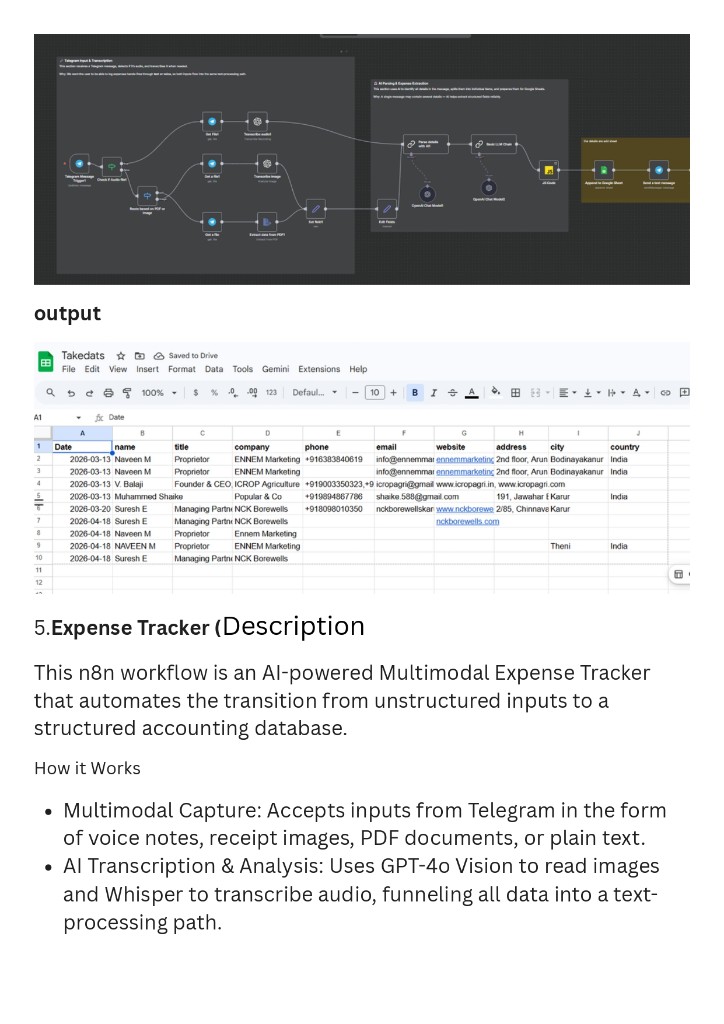
Field teams WhatsApp or Telegram a visiting card photo, a voice note, or a PDF. The workflow detects type, transcribes (Whisper on audio, GPT-4o Vision on images, PDF extract on docs), then an LLM pulls Name, Title, Company, Phone, Email, Website, Address, City, Country. JS cleans the JSON. Google Sheets appends a row. The same chat gets a confirmation. Proof sheet “Takedats” already holds real Theni rows — including Ennem Marketing and local operators — so this is not a demo with fake names.
Proof
Results
- ▸ Live sheet columns: name, title, company, phone, email, website, address
- ▸ Real captured rows (ENNEM Marketing, local Theni businesses)
- ▸ Confirmation message back on the same channel